Your GTA 6 clips, from Twitch to TikTok.
Cortex clips your VODs. Autopilot automates your Twitch clips: edited and posted at the times you set.
The proof wall
Built for streamers
Vibecut turns your clips into a daily presence on social media. Clip selection, editing, publishing: we handle it. You just have to stream
Formats
The right edit, picked automatically
Gameplay, facecam, split-screen… VibeCut analyzes each clip and picks the most impactful edit format. You set nothing.
Time
Less editing, more streaming
Manual editing costs you hours every week. Here's what changes.
90 min per clip
Find, cut, reframe, subtitle. Every single time.
Too many tools
Premiere, CapCut, AE… hours before one clean clip.
Less reach
You post less → the algorithm forgets you.
New in Canvas
Four starting points for your GTA 6 clips
Pick a look, then change anything: font, colours, size, where the title sits, subtitles, call to action. Nothing is locked.
Autopilot mode
Two settings. Then nothing left to do.
You pick a channel and your times. Autopilot edits the freshest clips and publishes them at every slot, even during the stream.
You · once
1
Pick the channel
twitch.tv/caseoh_
 caseoh_live now
2
Switch Autopilot on
AutopilotOn
your time slots, every day
Autopilot · every day
3
Fresh clips, edited
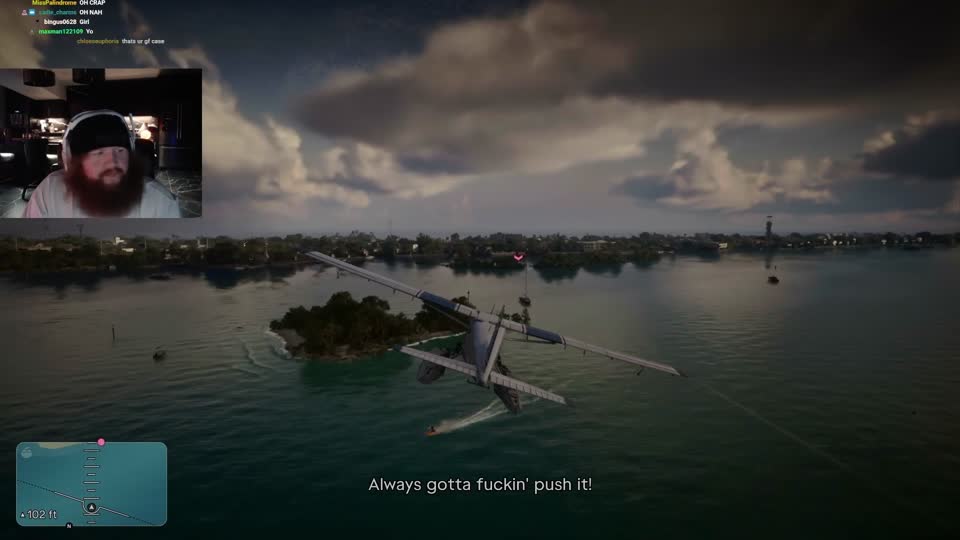
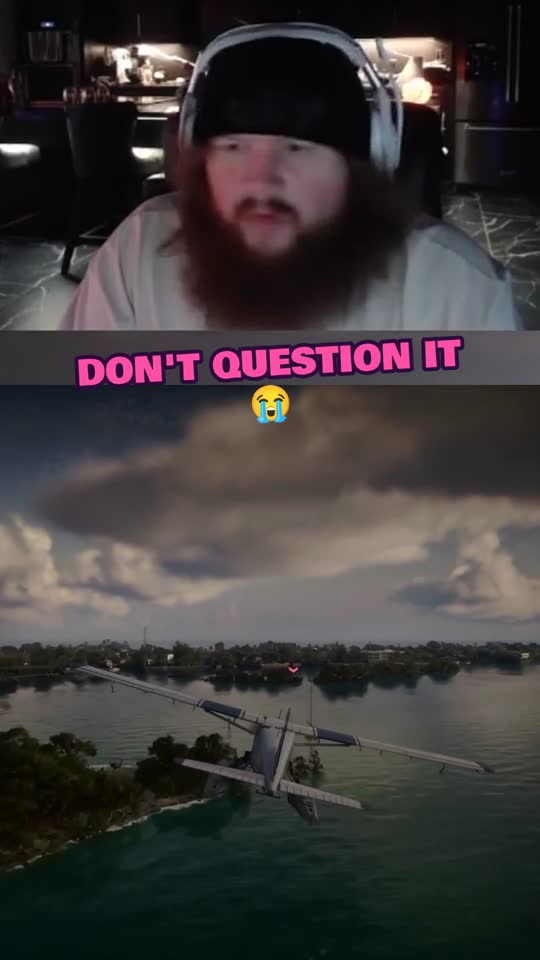
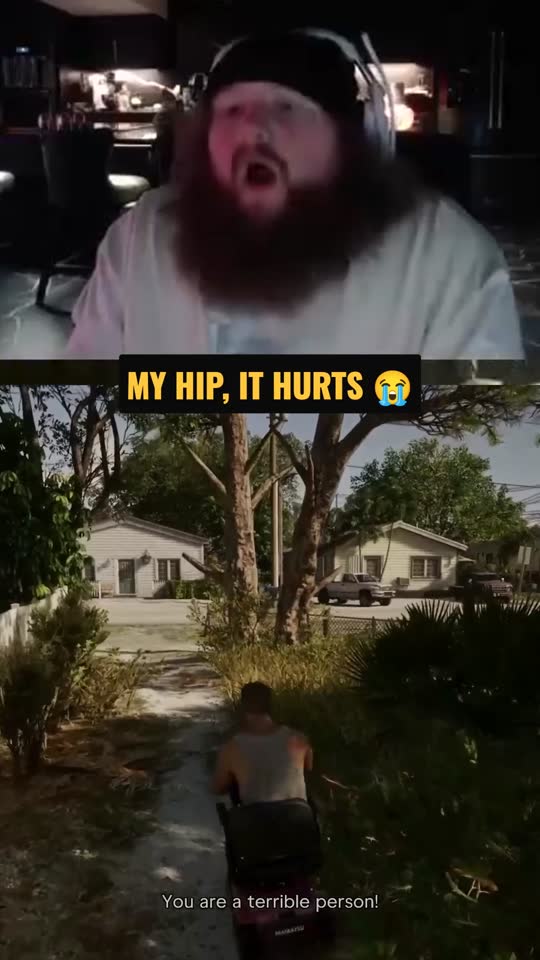
clipped minutes ago, during the stream
4
Published at your times
✓ published✓ publishedCalendar
Your week, already planned.
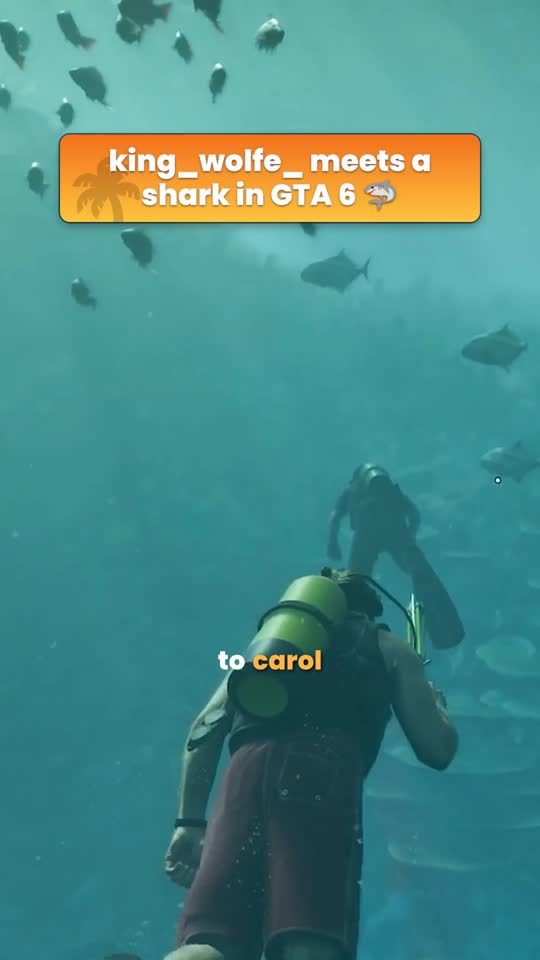
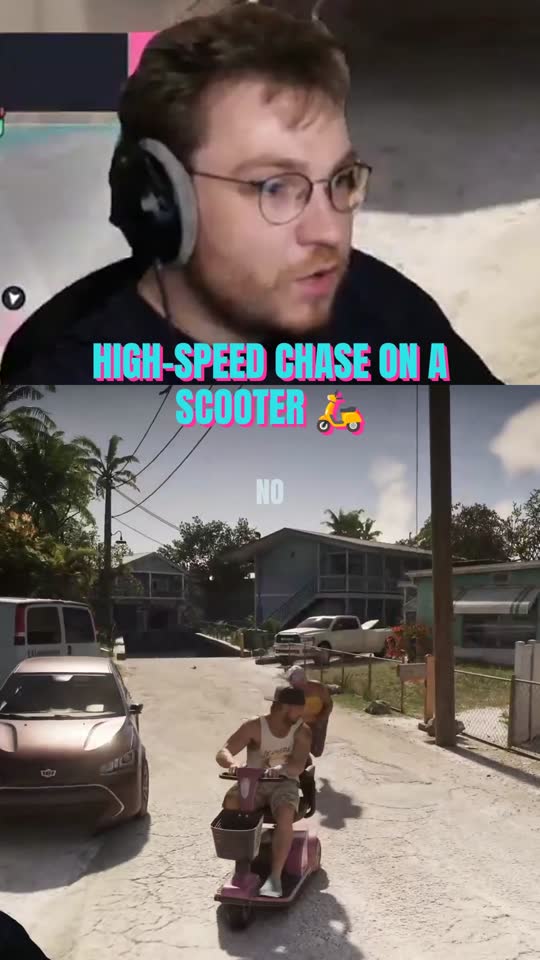
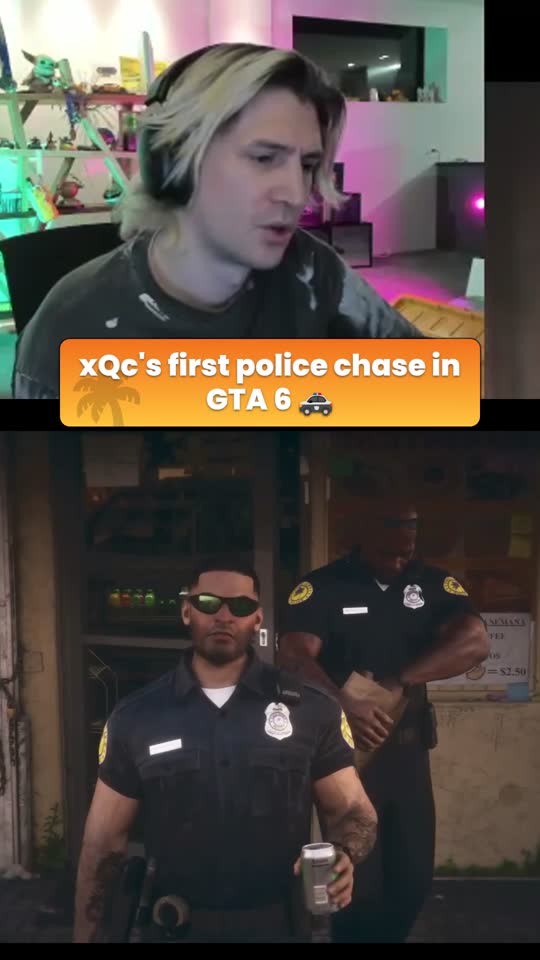
Rather choose yourself? Drop your ready videos on the week: the day, the time, several a day.
Ready videos
Mon
Tue
Wed
Thu
Fri
Sat
Sun
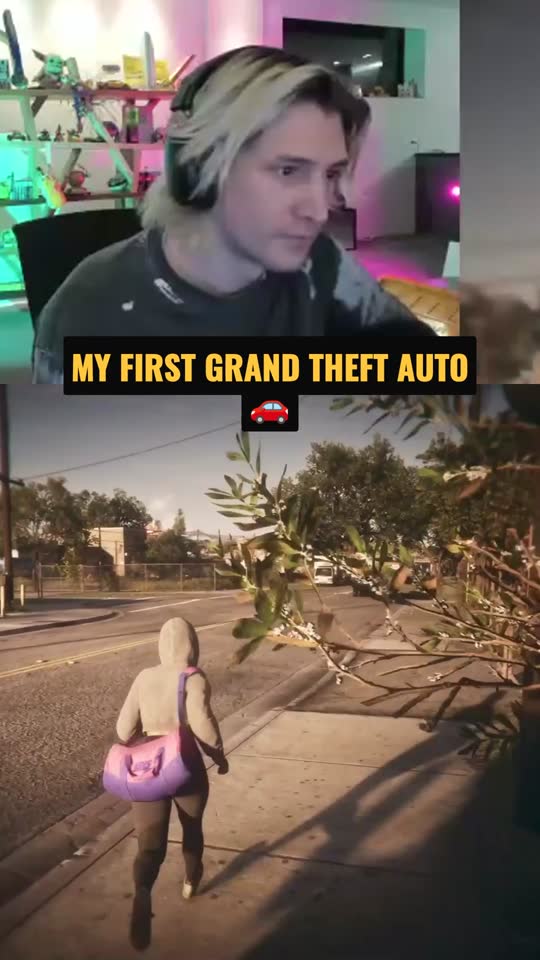
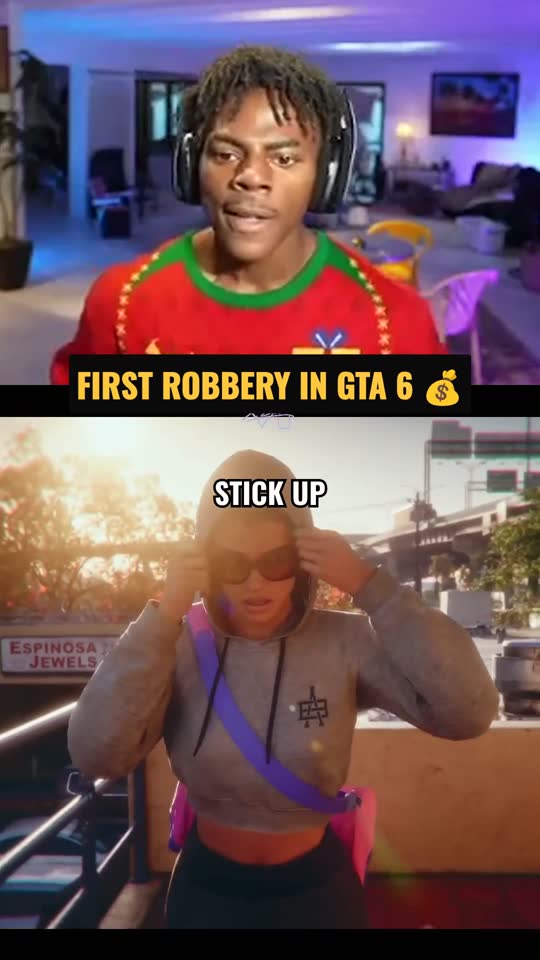
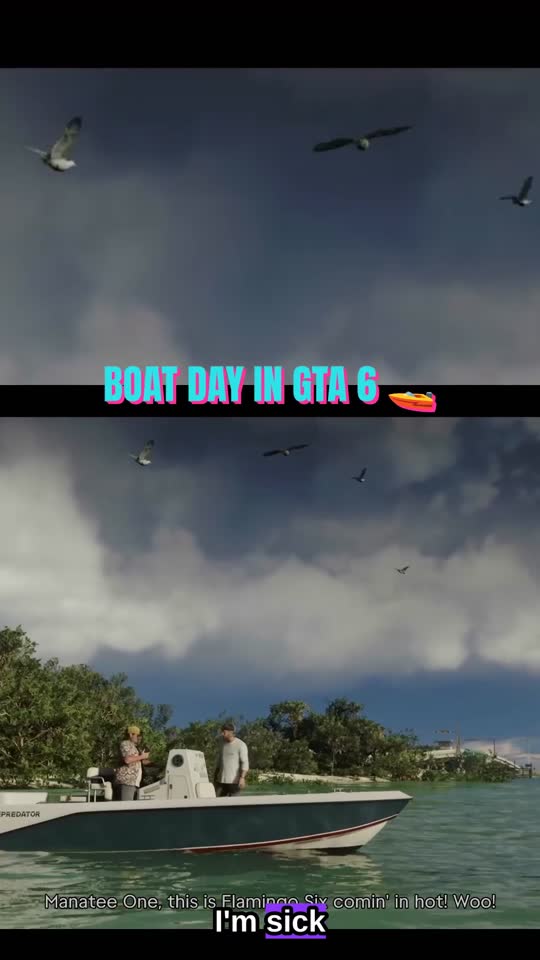
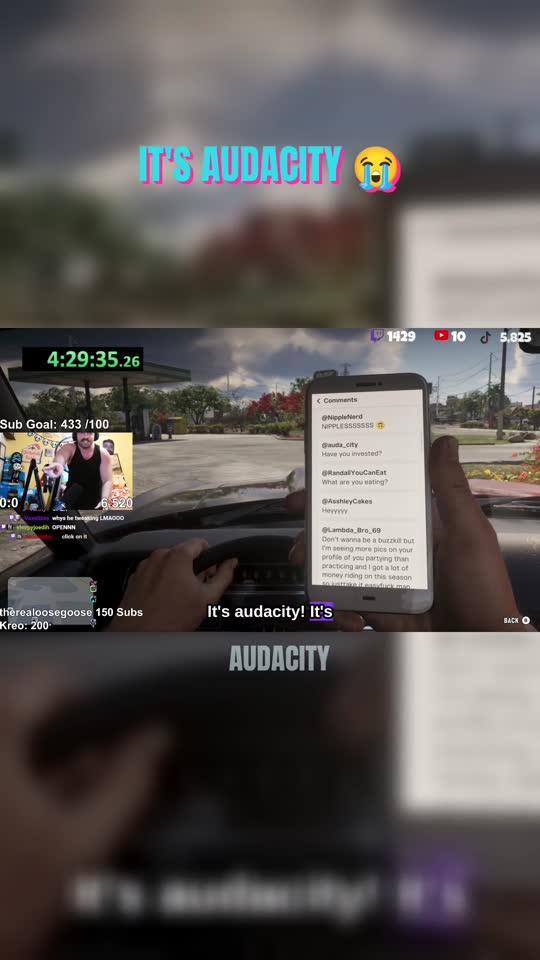
✓ publishedtodayplannedfree slot
Pricing
Simple, Transparent Pricing
Start free, upgrade when you're ready.
20% off
This week's offer
on your first month, with code VICE20, applied automatically at checkout. New subscribers only.
Until 25 November
VibeCut Free
Generate up to 12 videos to preview VibeCut. No credit card.
- 12 free videos
- Clip retrieving & auto ranking from your Twitch channel
- Canvas branding, overlays & vertical format
- Faithful preview you approve before every post
- Publish to TikTok, Instagram Reels & YouTube Shorts
- Automation: 3 videos/day posted automatically
- Cortex: auto clips your VODs' best moments, 1 use per day
- AI assistant: 20 messages to try it
Valid once per user only
No auto-renewal
VibeCut ProPopular
Your channel's best moments, edited and published. You approve every post.
- 90 videos included every month
- Clip retrieving & auto ranking from your Twitch channel
- Canvas branding, overlays & vertical format
- Faithful preview you approve before every post
- Publish to TikTok, Instagram Reels & YouTube Shorts
- Automation: 3 videos/day posted automatically
- Cortex: auto clips your VODs' best moments, 3 uses per day
- AI assistant: 30 messages per day
Creator
To scale your presence.
- 200 videos included every month
- Clip retrieving & auto ranking from your Twitch channel
- Canvas branding, overlays & vertical format
- Faithful preview you approve before every post
- Publish to TikTok, Instagram Reels & YouTube Shorts
- Automation: 5 videos/day posted automatically
- Cortex: auto clips your VODs' best moments, 5 uses per day
- AI assistant: 50 messages per day
Join Now
Stop editing
Start growing with VibeCut
VibeCut picks the best clips, edits them and publishes to your social media. No editing skills needed. Just connect your accounts and let it run.
GTA 6
Posting GTA 6 clips: what to know
01Can I post GTA 6 clips on TikTok, Reels and Shorts?
For gameplay, Rockstar's video policy says it does not object to players posting non-commercial footage of its games. Leaked footage, spoilers and cutscenes posted on their own are on its takedown list, and it can remove any video at any time. Read the current policy on Rockstar's support site before building a channel on it.
02Can I monetize GTA 6 clips?
Rockstar's policy covers non-commercial use only and does not grant monetization. YouTube says game videos may be monetized depending on the commercial rights the publisher grants, and Take-Two keeps the right to remove its material at any time. VibeCut edits and publishes your videos; it does not promise revenue.
03Will the in-game radio get my video claimed?
It can. The radio stations play licensed songs, Rockstar's policy says nothing about music, and the platforms scan audio automatically: Twitch can mute VODs and delete clips, YouTube runs Content ID. Turn the radio down or off while you stream if you plan to post the clips.
04Can I clip another streamer's GTA 6 lives?
You can follow any Twitch channel in VibeCut and edit its clips. The rights are on you: get the streamer's agreement or join their clipping program. Their name stays on the video and in the title, and the edit (reframe, title, subtitles) is what makes the video yours rather than a repost.
05How fast do the shorts go out?
Clips are imported from the channel as they appear, and Cortex can scan a full VOD for the moments nobody clipped. With Autopilot on, one video is made and published per time slot: up to 3 a day on Free and Pro, 5 on Creator.